A first match with a camera usually ends the same way: a few hundred photos, half of them out of focus and the rest too dark or too bright. It's rarely about the gear. It's a handful of settings you need to sort out before the match, not during it. Here's where I start.
Mode: manual with auto ISO
At a match shutter speed matters most, so it has to stay fixed. The easiest way to work is manual mode with a set shutter speed and auto ISO. The camera adjusts brightness when the action moves from the sunny half of the pitch into the shade, and you don't have to think about it.
Set an upper ISO limit you don't want to go past, and keep exposure compensation within reach. With white kits or bright boards in the background you'll use it a lot.
Shutter speed: how fast you really need
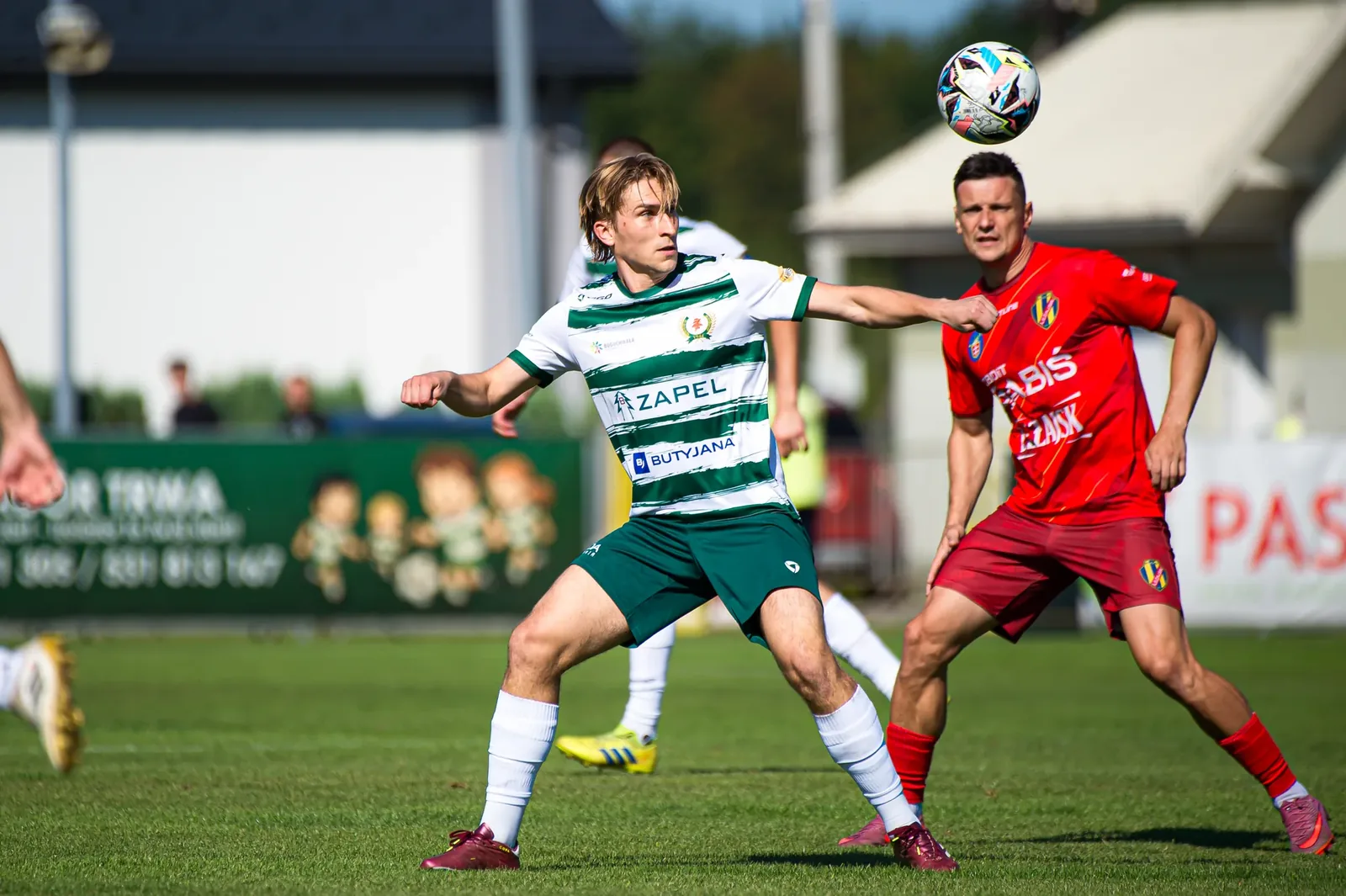
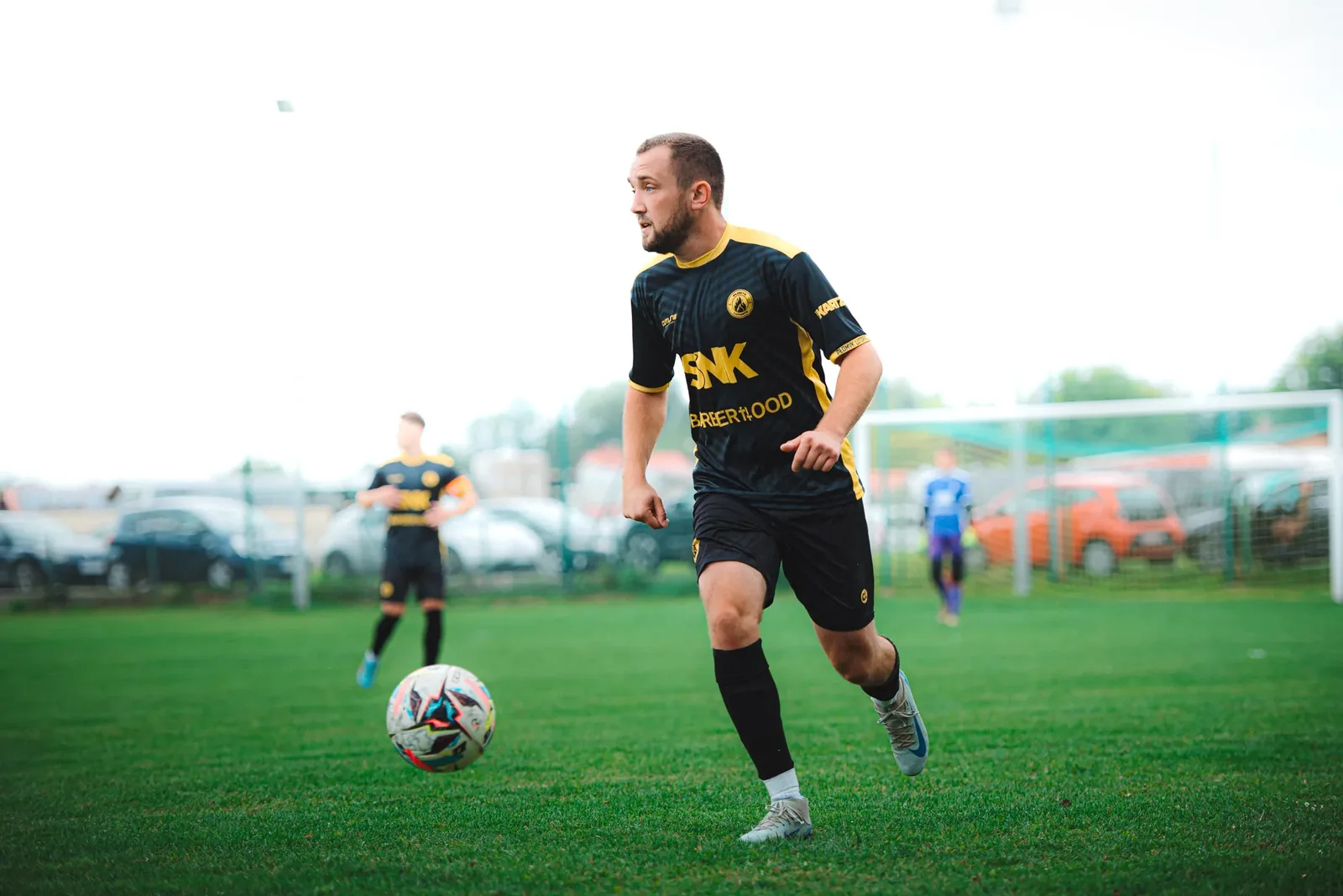
- 1/1000 s: running, dribbling, most of the action,
- 1/1600–1/2000 s: shots, tackles, headers, a diving keeper,
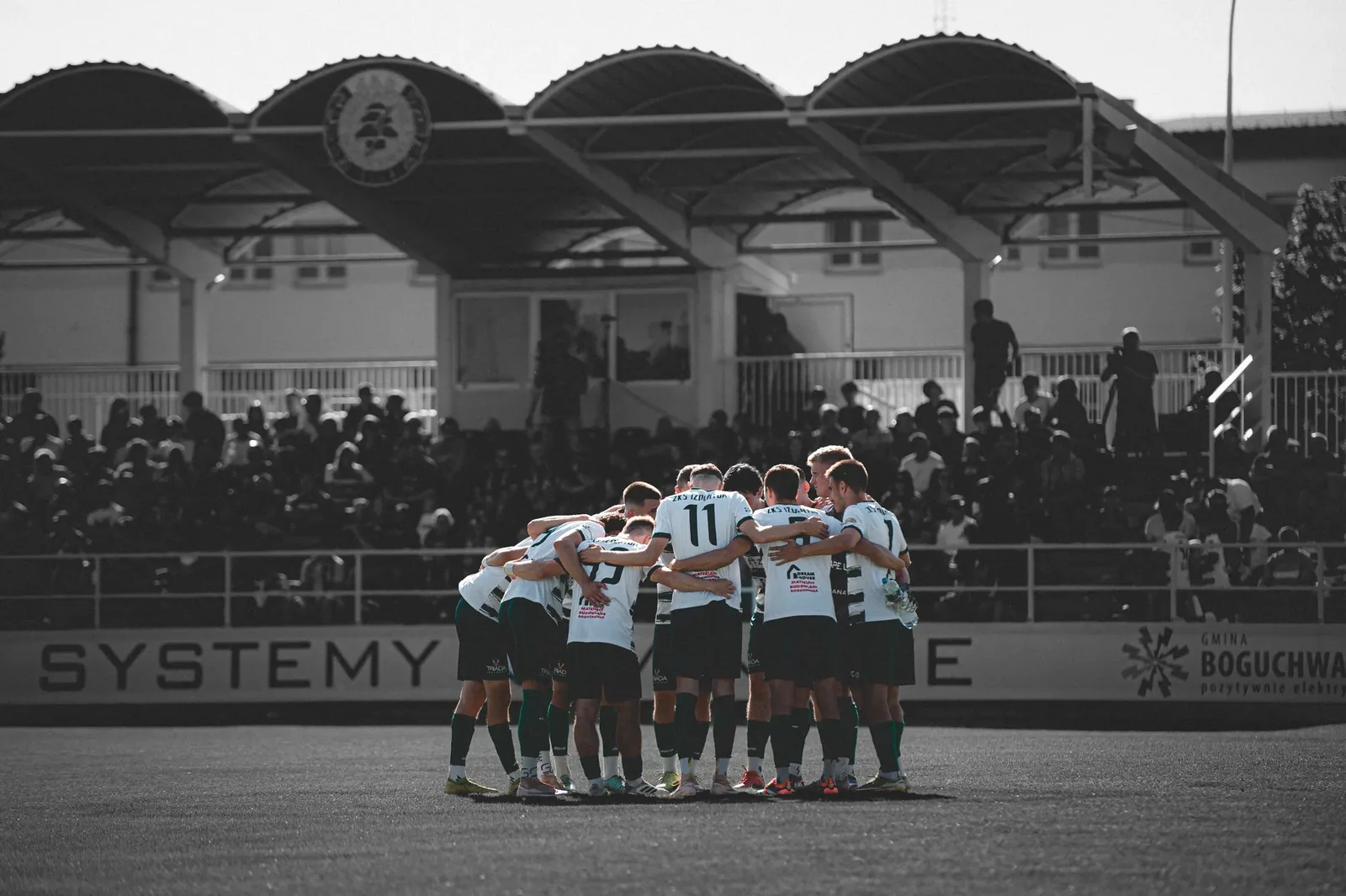
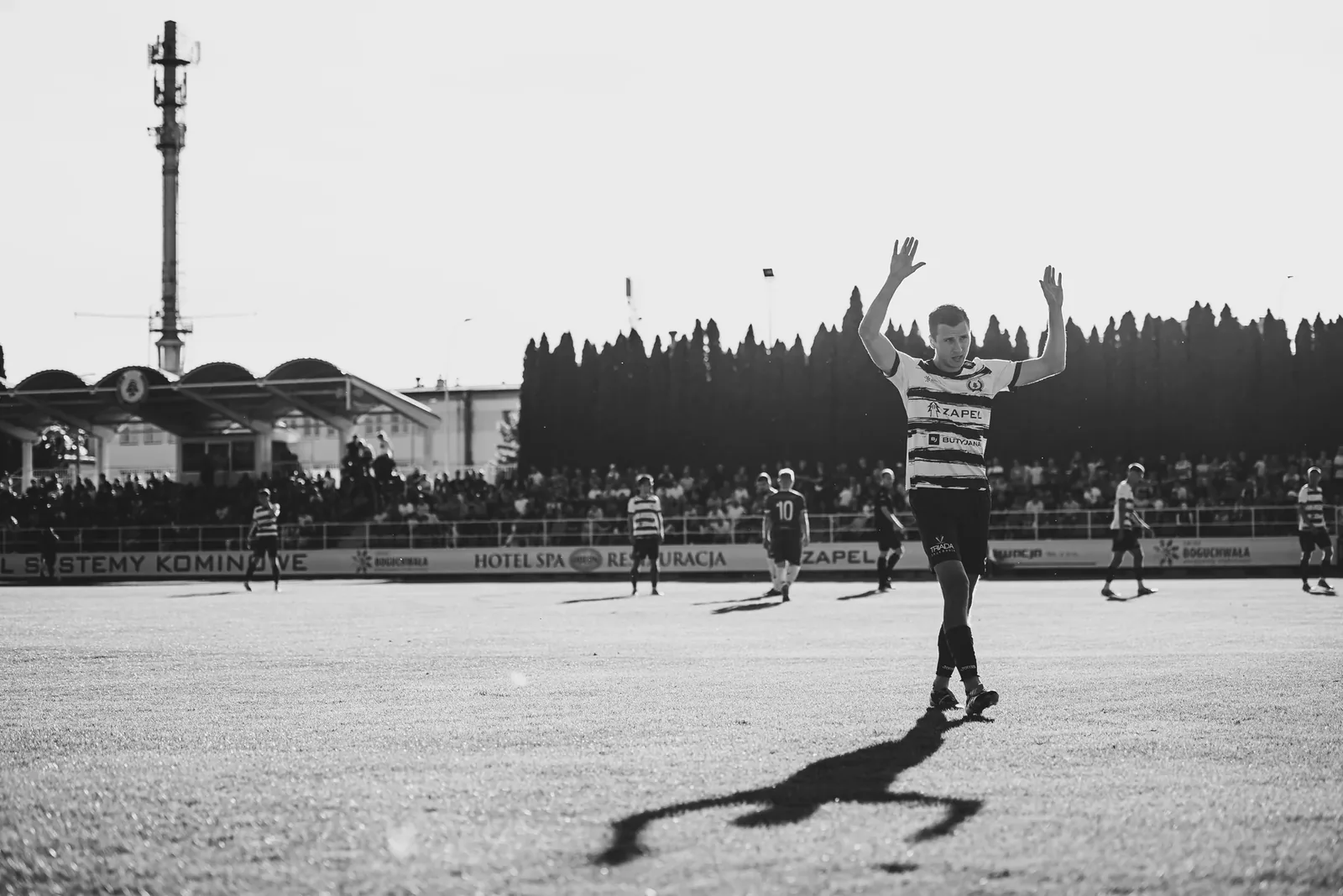
- 1/500 s: goal celebrations, touchline moments, the coach, the fans,
- 1/30–1/60 s: deliberate motion blur, panning with the player. An effect for a few frames, not the whole match.
On a sunny day you can easily go to 1/2000 s and faster. There's plenty of light and every move will be frozen.
ISO: depends on the time and the ground
- sunny day: ISO 100–400,
- cloudy, or shade from the stand: ISO 400–1600,
- floodlights at a big stadium: ISO 1600–3200,
- floodlights in the lower leagues: ISO 3200–6400 and more.
Don't be afraid of noise. Modern noise reduction in Lightroom does wonders, and nothing will save a blurry photo.
Autofocus: continuous and tracking
For sport, only continuous AF, which keeps adjusting focus while you hold the button. Single AF sets focus once and leaves it where the player was half a second ago.
- AF area: a small group of points or a zone. A single point is precise but it's easy to lose the player with it.
- Tracking: turn it on, but make it less eager to switch subjects. Otherwise in a crowded box the camera jumps to anyone who runs in front of the lens.
- Back-button focus: many sports photographers move autofocus from the shutter button to a separate button on the back. Focusing and taking the picture become two separate actions. Give it a few matches and you won't go back.
Burst mode and memory cards
Set the fastest burst mode, but don't hold the shutter down non-stop. Short bursts of 3–6 frames at the key moment give you more keepers than one long burst that fills the buffer just as the goal goes in.
Use a fast card and keep a spare in your pocket. Shooting RAW, a match can easily add up to tens of gigabytes.
RAW, always
RAW gives you room to correct exposure, white balance and colour. At a match the light changes minute by minute, so you'll need that room on every other photo. If you have to send photos straight away, for example to the club at half-time, set RAW + small JPEG. Send the JPEGs from your phone and edit the RAWs at home.
White balance
In daylight auto white balance is usually fine. Under floodlights set it manually, around 3200–4500 K, so colours don't jump between frames. I write more about it in the guide to shooting under floodlights.
Checklist before the first whistle
- charged battery and a spare in your pocket,
- an empty, fast card,
- RAW (or RAW + small JPEG),
- manual mode: 1/1000 s and auto ISO with a limit,
- continuous AF, small group of points, tracking on,
- fastest burst mode,
- a few test shots during the warm-up: focus, brightness, colour.
Then it's just the match. The best photos come when you stop thinking about the camera and start reading the game: who's getting the ball, where the shot will come from, who will run to celebrate with the fans.
Once you have the photos, there's the editing. If you want it to go faster, have a look at my presets, made on exactly this kind of match photo.